Build 42 Sandbox Settings — Configuration for Solo and Multiplayer Worlds
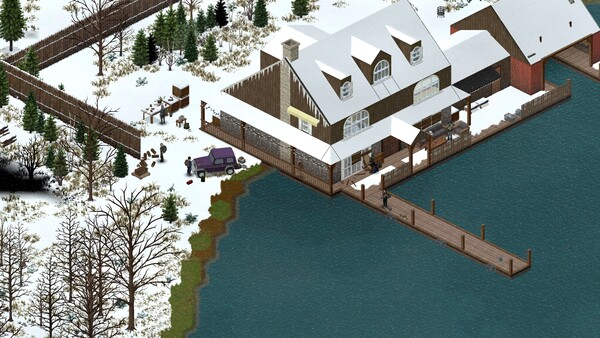
Every Project Zomboid world runs on sandbox rules — whether you pick a preset or spend twenty minutes toggling infection timers. Those settings apply globally: your careful looter and your friend's speedrunner live in the same zombie economy. Build 42.20 added animal and farming toggles, refined loot categories, and kept the same shutoff clocks solo players fear. This guide explains presets versus custom sandboxes, the settings that matter most on 42.20, and multiplayer-friendly values that avoid the classic mid-campaign "why is there no canned food left" argument. Sources: the official sandbox documentation, game modes guide, and community server-administration write-ups. Checked 2026-08-09.
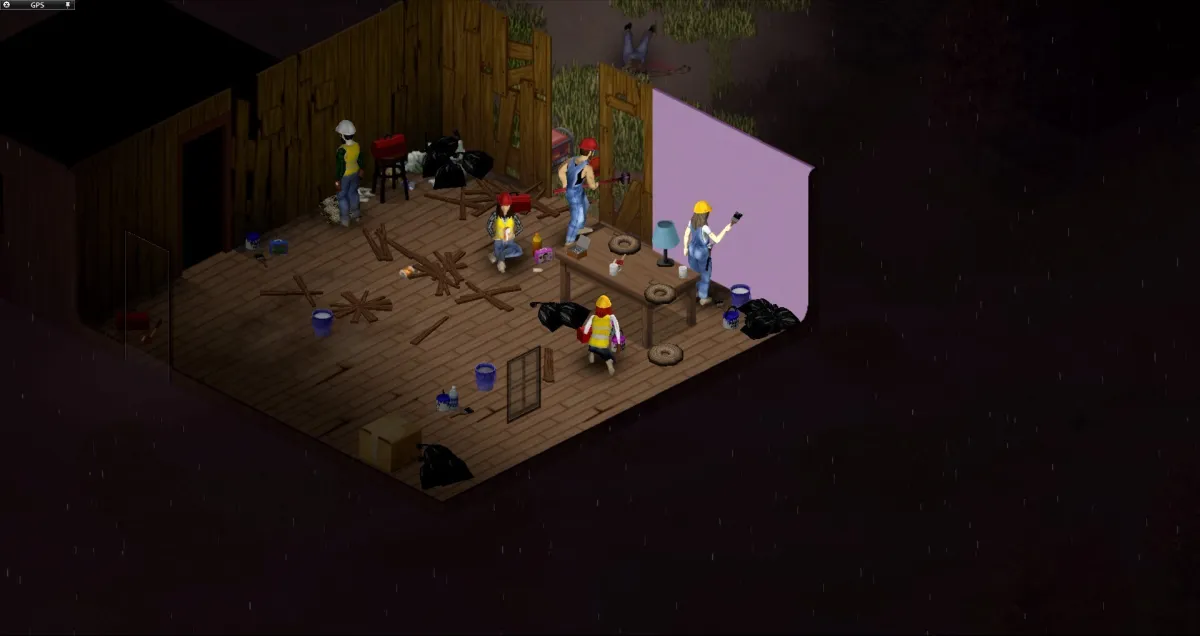
Presets versus custom sandbox
The preset list reads like Apocalypse, Survivor, Builder, and the challenge-style variants — each a fixed set of sliders tuned for a different experience. See the game modes guide for what each preset actually changes.
| Route | When to use |
|---|---|
| Preset (Apocalypse default) | The intended experience. Start here for your first runs (first-week guide) |
| Custom sandbox | You know which sliders you want. Loosen one thing (e.g. zombie pop) without rewriting the whole game |
| Custom-presets hybrid | Start from a preset, change a few values — the community-standard way to tune a server |
The 42.20 sandbox additions
Build 42.20's sandbox grew with its systems. Community-confirmed new/updated toggles:
- Animal population and settings — how many wild animals, livestock spawn rates, and behavior tuning for the new animal system.
- Farming/agriculture settings — crop yield, disease pressure, and season sensitivities for the farming rework.
- Water/power shutoff clocks — the timing sliders for the shutoff remain where you expect, but 42.20 ties some loot behaviour to them.
- Loot rarity categories — the 42.20 system rebalanced several loot tables, so the sandbox rarity sliders behave on the new tables.
Because the exact toggle names shift between patches, treat the in-game sandbox screen as authoritative and re-check after any update.
Settings that matter most (solo)
| Setting | Default-ish | Why it matters |
|---|---|---|
| Zombie population | Apocalypse tier | The single biggest difficulty lever; most custom games adjust this first |
| Water & power shutoff | Timed | Sets the mid-game clock (prep guide) |
| Helicopter event | On | Day 6–9 flyover that tells every zombie where you are (helicopter guide) |
| Loot rarity | Apocalypse tier | Decides whether farming/fishing are optional or mandatory |
| Infection mortality | On | The classic run-ender; the community's most-common first custom toggle to "off" |
Multiplayer-friendly values
Groups that agree on sandbox settings before character creation avoid arguments later. The settings that cause the most co-op friction:
- Loot rarity — if it's too scarce, late-joining players can't gear up; if too generous, the game loses tension. Agree on a middle value before the world starts.
- Zombie population — set to the weakest player's tolerance, not the strongest.
- Shutoff clocks — a group that wants long-term survival needs the food preservation loop, so don't shorten the clocks unless everyone's committed.
- Respawn/raft settings and XP multipliers — decide these as a group; they change how the whole skill leveling race plays out.
Sandbox settings are trade-offs, not cheats
Loosening one slider doesn't make the game "easier" so much as shift the challenge. Fewer zombies means more foraging pressure; more loot means less incentive to build the crafting chains. The 42.20 systems reward engagement more than B41 did — a sandbox that removes all pressure can accidentally remove most of the game. Tune, don't delete.
Verified on 42.20 · Last checked 2026-08-09
Preset structure and the 42.20 animal/farming toggle additions are community-confirmed against the stable build and cross-referenced with the in-site systems guides; exact toggle names and default values vary by patch and are not published in full by The Indie Stone. For server-specific values, see the dedicated server guide. The in-game sandbox screen is authoritative.
More Guides
![Project Zomboid Build 42 Dedicated Server Guide — SteamCMD, Ports & Settings [2026]](/img/pz/ss-4.jpg)
![Project Zomboid Build 42 Multiplayer Guide — Co-op, Hosting & Playing with Friends [2026]](/img/pz/ss-1.jpg)
![Project Zomboid Build 42 Controls — Keyboard & Mouse Bindings Guide [2026]](/img/pz/b42-shot-2.webp)
![Project Zomboid Build 42 Game Modes — Apocalypse, Survivor, Builder & More [2026]](/img/pz/b42-shot-3.webp)
![Project Zomboid Build 42 Error Fixes — Unexpected Error, Crashes, Corrupt Saves [2026]](/img/pz/ss-5.jpg)
![Project Zomboid Build 42 Mods Guide — Compatibility, Best Mods & Install [2026]](/img/pz/ss-0.jpg)
![Project Zomboid Build 42 Loot Routes — Best Routes in Knox County [2026]](/img/pz/ss-3.jpg)
![Project Zomboid Build 42 Louisville Guide — Loot, Hordes & Escape Routes [2026]](/img/pz/b42-shot-0.webp)
![Project Zomboid Build 42 New Locations — Orphanage, Prison, Scout Camp [2026]](/img/pz/b42-shot-4.webp)