Stay on Build 41 — legacy41 Beta, Save & Mod Preservation on 42.20
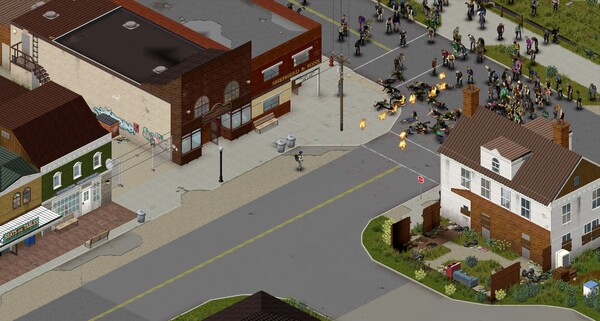
Yes, you can still play Build 41 — The Indie Stone keeps it on a permanent Steam beta branch called legacy41, and switching back takes about two minutes. Build 42 stable (42.20) does not overwrite or delete your Build 41 saves, but it also refuses to load them: B41 saves and B41 mods are incompatible with B42, so if you want to keep a 41 world alive (solo or on a server), everyone involved must pin the game to legacy41. This is the flip side of our B41-to-B42 migration guide: that page is for moving forward, this one is for staying put.
How to stay on Build 41 (Steam, 42.20)
The official steps, straight from the Indie Stone's pre-launch checklist post (July 28, 2026):
- Right-click Project Zomboid in your Steam library.
- Select Properties.
- Go to Game Versions & Betas (formerly "Betas").
- In the dropdown, select
legacy41. - Let Steam download the Build 41 files, then launch.
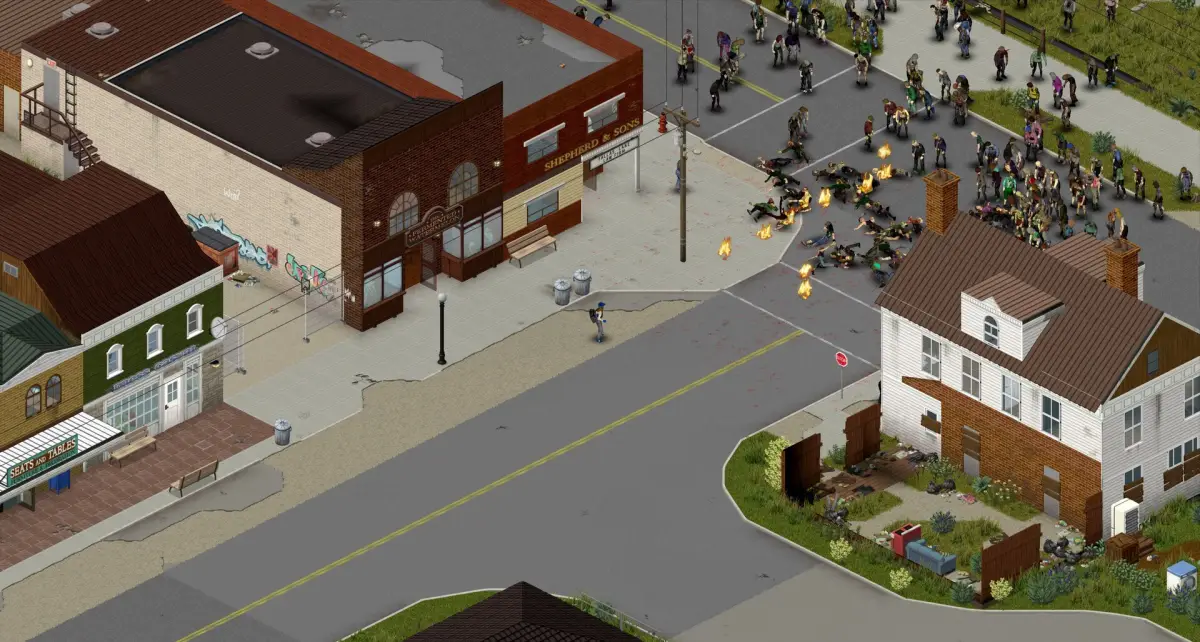
Once on legacy41, your library copy behaves exactly like the pre-42 version — your B41 saves, B41 mods and B41 Workshop subscriptions all work again. Steam will not auto-update you back onto Build 42 while the branch is pinned.
If the branch dropdown does not show
legacy41, verify your Steam client is up to date. The branch name is case-sensitive: lowercaselegacy41.
What happens to your B41 save?
Nothing destructive. Saves live in %UserProfile%\Zomboid\Saves\ (Windows) or ~/Zomboid/Saves/ (macOS/Linux) and are untouched by a version switch. The catch is compatibility, not deletion:
- Build 41 saves cannot be opened in Build 42 (world format changed).
- Build 42 saves cannot be opened in Build 41 either — this direction is the real trap: once you generate a B42 world, the same save slot is unreadable by
legacy41.
Back up the whole Zomboid\Saves\ folder before switching either direction. Our migration page has the folder-by-folder backup list.
Staying on Build 42.19 instead
If your unfinished game is on Build 42 Unstable (42.19) rather than 41, the same menu has a second option: the 42.19 beta branch. 42.20 added map content that invalidates 42.19 saves, so The Indie Stone shipped a 42.19 branch to let people finish those worlds. It works exactly like legacy41 — pick the branch, everyone on the server picks the same branch, play on.
| Situation | Branch to pick |
|---|---|
| Keep playing Build 41 (old saves/mods) | legacy41 |
| Finish a Build 42.19 Unstable world | 42.19 |
| Play the current stable Build 42.20 | None (default) |
Servers: rolling your server back to Build 41
Dedicated servers pin their branch the same way. On a SteamCMD install the branch goes on the command line (-beta legacy41); on hosting panels there is usually a "Steam Beta Branch" field — enter legacy41 there and reinstall/redeploy. Two warnings before you do it:
- Every joining player must also be on
legacy41. A client on 42.20 will fail to connect or desync on a 41 server, and the error reads like a mod problem (see error fixes for that trap). - A B41 server world and a B42 server world are separate data. Do not point the rolled-back server at files last written by 42.20 — restore the server world from a backup made while it was still on 41.
The dedicated server guide covers pinning branches on SteamCMD and in common hosting panels.
Managing mods when you switch back and forth
This is the messy part. Workshop subscriptions are shared between 41 and 42, and most B41 mods do not work in B42 (see the B42 mods guide for compatibility). If you plan to play both versions:
- Use Workshop collections. Put your B41 mod list in a collection named e.g. "B41", your B42 list in "B42". Before switching branches, unsubscribe from the collection you are leaving and subscribe to the one you are entering — this is the community-standard trick and it works cleanly.
- Never let B41-only mods stay enabled on B42 or vice versa: the game will load whatever is in the save's
mods.txt, and mismatched mods are the #1 cause of "unexpected error" crashes (covered in error fixes).
Is staying on Build 41 the right call?
For most players, no — Build 42 is stable now, and the reasons to stay are narrowing:
- Yes, stay on
legacy41if: you have a long-running 41 server or multiplayer group that cannot move yet; your machine struggles with 42 (see system requirements first); or you depend on a B41 mod that has no B42 port yet. - Switch to 42 if: you are starting fresh anyway. New worlds in 42.20 are the whole point — new towns (Brandenburg, Ekron, Irvington), animals, basements and the reworked crafting systems are all covered across the guides on this site.
The branch is permanent and free, so there is no deadline pressure — but every week the community, mods and official patches move further into 42, which makes a stay increasingly solo.
Verified on 42.20 · Last checked 2026-08-05
Branch names, save-incompatibility warnings and server steps from The Indie Stone's "B42 Checklist" announcement (July 28, 2026) and their forum rollback threads; SteamCMD branch flag and hosting-panel field from hosting-provider guides (DoomHosting, BisectHosting, July 2026); Workshop-collection switching from player reports on the Steam community forums.
More Guides
![Project Zomboid Build 41 to Build 42 Migration Guide [2026]](/img/pz/ss-4.jpg)
![Project Zomboid Build 42 Error Fixes — Unexpected Error, Crashes, Corrupt Saves [2026]](/img/pz/ss-5.jpg)
![Project Zomboid Build 42 Mods Guide — Compatibility, Best Mods & Install [2026]](/img/pz/ss-0.jpg)
![Project Zomboid Build 42 Controls — Keyboard & Mouse Bindings Guide [2026]](/img/pz/b42-shot-2.webp)
![Project Zomboid Build 42 Game Modes — Apocalypse, Survivor, Builder & More [2026]](/img/pz/b42-shot-3.webp)
![Project Zomboid Build 42 Loot Routes — Best Routes in Knox County [2026]](/img/pz/ss-3.jpg)
![Project Zomboid Build 42 Louisville Guide — Loot, Hordes & Escape Routes [2026]](/img/pz/b42-shot-0.webp)