Build 42 Controls — Full Keyboard & Mouse Bindings Reference
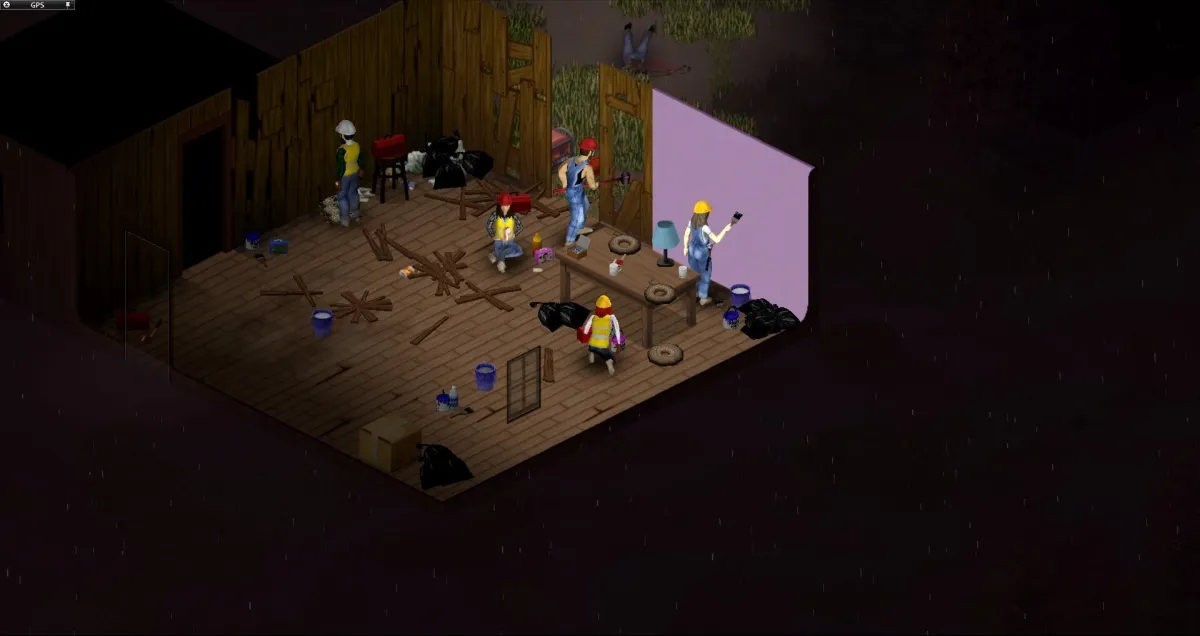
Keyboard and mouse remain the most precise way to play Project Zomboid on PC. Build 42 did not replace the classic WASD movement scheme, but it expanded context actions for crafting stations, vehicle dashboards, and multi-container looting. Learning the default layout before your first night saves lives — literally — when you need to shove, transfer loot, and sprint through a doorway in under two seconds. This reference lists the bindings most survivors use daily, explains the combat and inventory shortcuts tutorials skip, and recommends rebinding targets for players coming from Build 41 or other survival games. Checked 2026-08-09.
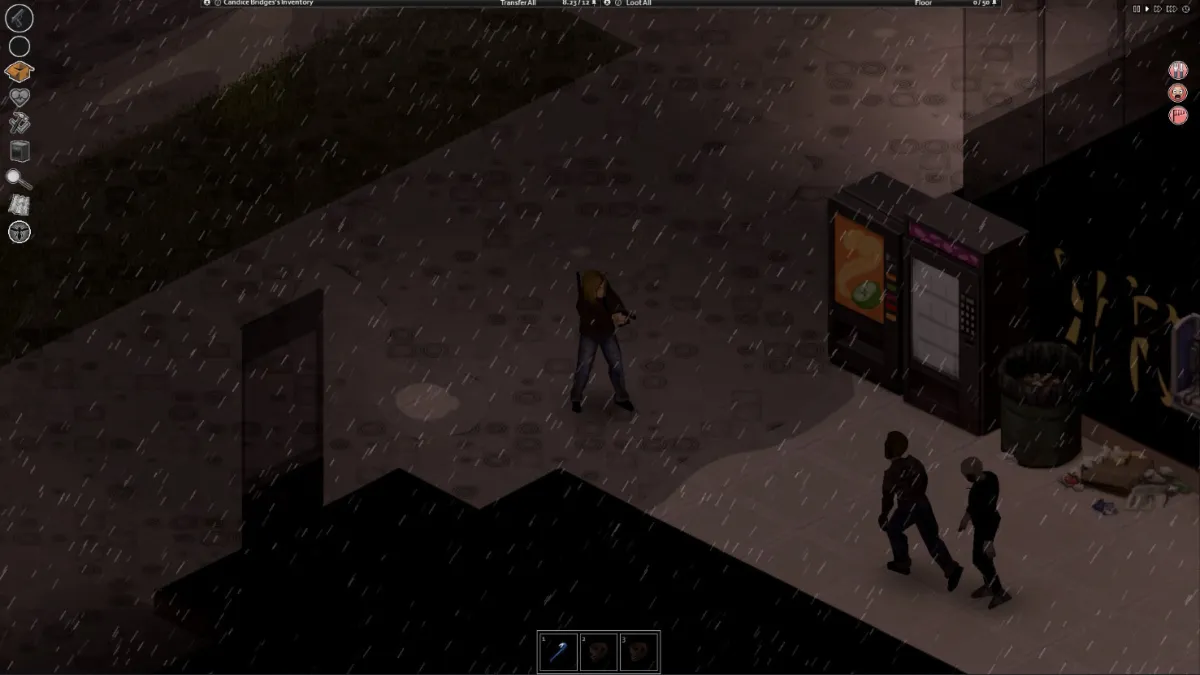
Movement and stance
| Action | Default binding |
|---|---|
| Move | WASD |
| Sprint | Shift (hold) |
| Walk slowly | Ctrl (hold) |
| Crouch / sneak | C (toggle) |
| Lunge / ready | Space (context) |
| Stand up / lie down | V / lying toggle |
Combat
| Action | Default binding |
|---|---|
| Shove (push zombies) | Space |
| Attack / swing | Left mouse |
| Aim (firearms) | Right mouse (hold to aim) |
| Fire | Left mouse while aiming |
| Reload | R |
| Toggle weapon stance | Q (context) |
| Cycle targets (controller-style) | Tab / context |
Build 42's combat rework (combat guide) added muscle strain and weapon-condition flows — the shove (Space) is your most-used defensive key, not the swing.
Inventory and looting
| Action | Default binding |
|---|---|
| Open inventory | Tab (or E on a container) |
| Loot container | E (context) |
| Transfer item | Drag, or Ctrl+left click (move all) |
| Context menu | Right mouse |
| Drop item | Q (with item selected) |
| Equip / unequip | Drag to slots, or context menu |
B42's multi-container looting (piles of items, container networks) extended the E context action — interacting with a pile now opens the combined loot view. The recipes guide covers the crafting-station workflow these shortcuts feed into.
Crafting stations (B42 addition)
Build 42's crafting rework added workstation interactions that B41 didn't have:
- Interact with a station (forge, kiln, workbench) via E, then use the station's radial menu.
- Research recipes from items with the station's "research" action — the blacksmithing guide shows the forge flow.
- Hotbar assignment for crafted tools is the same as B41 (drag to hotbar, use 1–0).
Vehicles
| Action | Default binding |
|---|---|
| Enter / exit vehicle | E |
| Start engine | E (dashboard) / engine key |
| Seat swap | Ctrl+E |
| Headlights | H (or dashboard) |
| Horn | H (alt) |
| Handbrake | Space |
| Reverse | S |
| Jump over / climb (on foot) | Space / V context |
The B42 vehicle dashboard is interactive — the vehicles guide walks through the new gauge and loot interactions on work vans.
Rebinding priorities
If you're coming from B41 or another survival game, these are the three bindings worth changing first:
- Sprint modifier — if you're used to a different run key, rebind Sprint before you panic-sprint into a horde.
- Shove (Space) vs dodge — B42's dodge/lunge is context-sensitive; make sure your muscle memory for "space = push" still holds.
- Inventory toggle — if Tab feels cramped, move it somewhere your left hand reaches without leaving WASD.
All bindings are rebindable in Options → Controls (or the keybinds screen) — there is no "correct" layout, only the one you don't have to think about mid-fight.
Verified on 42.20 · Last checked 2026-08-09
Default bindings follow the 42.20 stable game state as reported across the community and PZwiki's controls page; The Indie Stone occasionally remaps context actions between patches. The in-game Options → Controls screen is authoritative for your install — verify after updates, and remap freely.
More Guides
![Project Zomboid Build 42 Sandbox Settings — Presets, Rules & Best Toggles [2026]](/img/pz/ss-2.jpg)
![Project Zomboid Build 42 Changes — Everything New vs Build 41 [2026]](/img/pz/ss-1.jpg)
![Project Zomboid Build 42 Dedicated Server Guide — SteamCMD, Ports & Settings [2026]](/img/pz/ss-4.jpg)
![Project Zomboid Build 42 Error Fixes — Unexpected Error, Crashes, Corrupt Saves [2026]](/img/pz/ss-5.jpg)
![Project Zomboid Build 42 Mods Guide — Compatibility, Best Mods & Install [2026]](/img/pz/ss-0.jpg)
![Project Zomboid Build 42 Game Modes — Apocalypse, Survivor, Builder & More [2026]](/img/pz/b42-shot-3.webp)
![Project Zomboid Build 42 Loot Routes — Best Routes in Knox County [2026]](/img/pz/ss-3.jpg)
![Project Zomboid Build 42 Louisville Guide — Loot, Hordes & Escape Routes [2026]](/img/pz/b42-shot-0.webp)
![Project Zomboid Build 42 New Locations — Orphanage, Prison, Scout Camp [2026]](/img/pz/b42-shot-4.webp)