Build 42 Multiplayer Guide — Playing With Friends on 42.20.4
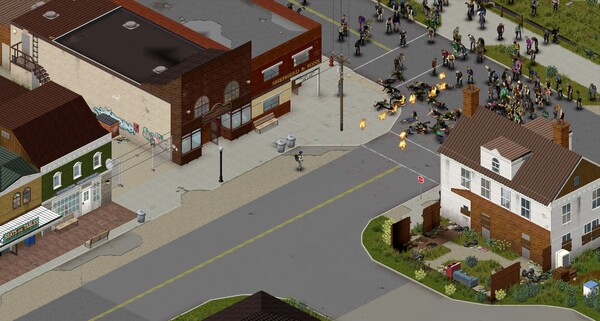
Yes — multiplayer is fully in the stable Build 42 release (current latest: 42.20.4). You no longer need any beta branch: multiplayer arrived on the unstable branch in December 2025 and went public with the 42.20 stable release on July 29, 2026. This guide covers the two ways to play with friends (host-your-own vs dedicated server), how to join, and the settings that make a co-op server feel right. If you want a 24/7 world that survives with you offline, that's the dedicated server guide — this page is the player-facing version.
How to play with friends — two options
| Host your own game | Dedicated server | |
|---|---|---|
| Setup | 2 minutes, in-game | SteamCMD + config (see the server guide) |
| World lives | Only while the host plays | 24/7, host PC can be off |
| Cost | Nothing | Your hardware or a hosting fee |
| Best for | Casual co-op sessions, 2–8 friends | Persistent servers, communities, 24/7 worlds |
Option 1 — Host a game and invite friends
- From the main menu pick Solo Player → Host (or Co-op in the multiplayer tab).
- Set the world rules (Sandbox settings are recommended for first co-op runs — start gentle).
- Launch, then in the pause menu note your options: friends can join via the Friends list (Steam invite) or via direct IP.
- Every friend needs the same game version (42.20 stable) and ideally the same mod list.
Direct-IP joins need port forwarding: UDP 16261 on the host's router/firewall. Without it, only Steam friend invites work (which use Steam's relay and are flakier). Port issues and "can't connect" are diagnosed on the error fixes page.
Option 2 — Join a server
- Steam server browser (main menu → Multiplayer) lists public B42 servers, filterable by version, population and mods.
- Direct IP — most private/friend servers: Multiplayer → Join → enter the IP:port (e.g.
1.2.3.4:16261). - You will be prompted to accept the server's Workshop mod list on first join if it uses mods — accept to auto-subscribe.
Settings that matter for a friendly co-op server
Whether hosting or renting, these decide whether your group has fun or fights:
| Setting | Recommended for co-op | Why |
|---|---|---|
| PvP | Off (unless PvP is the point) | Accidentally hitting a friend shouldn't end the run |
| Safety system | On | Toggles co-op protection per player |
| Pause when empty | On for small groups | Time doesn't pass when nobody is online |
| Global chat | On | Coordination across town |
| Voice chat | Your call | Built-in voice vs Discord |
| Whitelist | On for private servers | No randoms in your world |
| Max players | 4–8 vanilla (up to 254 on dedicated) | RAM/sim performance (see dedicated server guide) |
Roles that make a co-op team work
Build 42's systems reward specialization. A balanced group of 3–4:
- Scavenger/fighter — loot runs, clears areas, kites zombies.
- Builder/farmer — base security, farming, rain collectors.
- Cook/medic — cooking, first aid, keeps everyone fed and stitched.
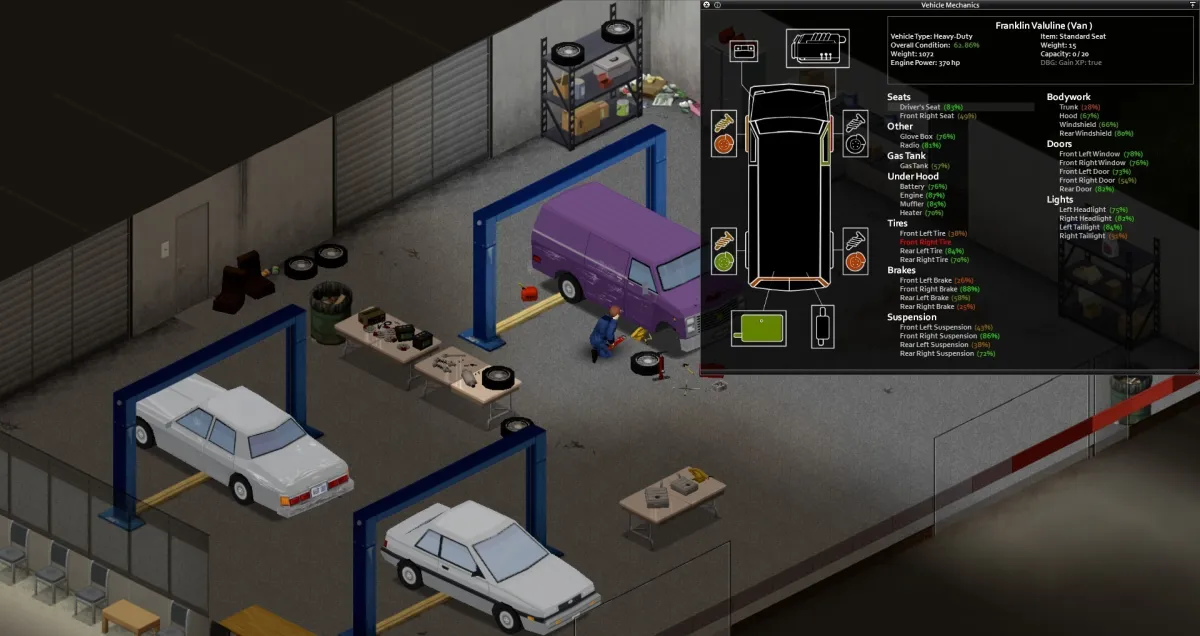
- Mechanic — vehicles, fuel, repairs, and the group's wheels.
Spread occupations so every skill has an owner — the skill leveling guide shows who levels what fastest.
Build 42 multiplayer gotchas
- Version match is mandatory. A client on 41, 42.19 or a different branch than the server fails to connect in ways that look like mod errors. Everyone pins the same branch (table in stay on Build 41). Make sure both sides are updated to 42.20.4.
- "Loading Map" infinite hang: If someone gets stuck loading into the world, make sure the server and client are running 42.20.3 or higher, where this connection handshake bug was officially fixed.
- B41 mods don't work — apply the compatibility rules in the mods guide before the group joins. On 42.20.4, mods with
loadstringmust also be updated or removed. - Zombie population scales — a server with high population and a small host PC stutters; B42 MP chunk unloading and zombie culling were improved in 42.20.1/42.20.3, but dense towns at speed still stress the host (system requirements has the RAM math).
- "Kicked for moving too fast" — a server option (
KickFastPlayers) that can bug out on 42.20; it's a known irritant, not a cheat accusation.
Verified on 42.20.4 · Last checked 2026-09-05
Multiplayer-in-stable status and dates (unstable 42.13 first MP, stable 42.20 public) from The Indie Stone announcements; post-launch multiplayer hotfix changes (42.20.1 through 42.20.4) verified against official release notes; settings and joining flow from hosting-provider B42 multiplayer guides.
More Guides
![Project Zomboid Build 42 Dedicated Server Guide — SteamCMD, Ports & Settings [2026]](/img/pz/ss-4.jpg)
![Project Zomboid Build 42 Sandbox Settings — Presets, Rules & Best Toggles [2026]](/img/pz/ss-2.jpg)
![Project Zomboid Build 42 Error Fixes — Unexpected Error, Crashes, Corrupt Saves [2026]](/img/pz/ss-5.jpg)
![Project Zomboid Build 42 Mods Guide — Compatibility, Best Mods & Install [2026]](/img/pz/ss-0.jpg)
![Project Zomboid Build 42 Controls — Keyboard & Mouse Bindings Guide [2026]](/img/pz/b42-shot-2.webp)
![Project Zomboid Build 42 Game Modes — Apocalypse, Survivor, Builder & More [2026]](/img/pz/b42-shot-3.webp)
![Project Zomboid Build 42 Loot Routes — Best Routes in Knox County [2026]](/img/pz/ss-3.jpg)
![Project Zomboid Build 42 Louisville Guide — Loot, Hordes & Escape Routes [2026]](/img/pz/b42-shot-0.webp)
![Project Zomboid Build 42 New Locations — Orphanage, Prison, Scout Camp [2026]](/img/pz/b42-shot-4.webp)